ADE Heatmap illustration
Introduciton
This R Markdown document describes how to merge multiple values from different assays to create heatmaps to visualize the features of each antibody-variant pair.
The following steps present how to read data from excel files, merge them together and use them to make a pretty heatmap.
Prepare R packages
I need readxl and writexl to input/output data, dplyr and scales to process data, and pheatmap, ggplot2, tidyverse to create graphs:
> library(readxl)
> library(writexl)
> library(scales)
> library(pheatmap)
> library(ggplot2)
> library(tidyverse)
Process data
set input file or folder path
> input_file_path = "./serum_dataset/vaccine serum samples-wt delta omi.xlsx"
> input_folder_path = "./serum_dataset"
> # replace it with your file or folder path
Usually, I’d like to export the graphs to the same folder as the input files :
> outputpath = paste0(dirname(input_file_path),"\\heatmap.pdf") This outputpath will be named as “heatmap.pdf” in the same folder as the input file:
[1] "./serum_dataset\\heatmap.pdf"If you chose folder path as input, the outputpath should be as same as the input_folder_path:
> outputpath = input_folder_path
> outputpath
read data
Importantly, make sure the data in your excel files looks like this:
| sample | WT-1 | WT-2 | WT-3 | WT-4 | WT-5 | WT-6 | WT-7 | WT-8 | WT-9 | Delta-1 | Delta-2 | Delta-3 | Delta-4 | Delta-5 | Delta-6 | Delta-7 | Delta-8 | Delta-9 | Omicron-1 | Omicron-2 | Omicron-3 | Omicron-4 | Omicron-5 | Omicron-6 | Omicron-7 | Omicron-8 | Omicron-9 |
|---|---|---|---|---|---|---|---|---|---|---|---|---|---|---|---|---|---|---|---|---|---|---|---|---|---|---|---|
| 249 | 3490 | 3566 | 3701 | 3823 | 3796 | 3779 | 4106 | 6278 | 11691 | 2318 | 2265 | 2270 | 2361 | 2399 | 2625 | 4045 | 19085 | 42810 | 2688 | 2691 | 2608 | 2743 | 2742 | 2697 | 2756 | 3168 | 10036 |
| NA | 3236 | 3265 | 3310 | 3453 | 3100 | 2996 | 3179 | 10101 | 17397 | 2160 | 2154 | 2158 | 2899 | 2047 | 2424 | 6343 | 10983 | 41618 | 2550 | 2473 | 2521 | 2474 | 2317 | 2331 | 2356 | 3451 | 7322 |
| 230 | 2384 | 2528 | 2675 | 2620 | 2673 | 2764 | 4490 | 10318 | 18427 | 1879 | 2515 | 1857 | 1938 | 2726 | 4257 | 12521 | 23052 | 57013 | 2255 | 2264 | 2126 | 2276 | 2062 | 2187 | 2262 | 2363 | 5507 |
| NA | 2394 | 2296 | 2315 | 2243 | 2376 | 3073 | 5018 | 14496 | 18438 | 1852 | 1869 | 1849 | 1792 | 1907 | 4469 | 16023 | 23121 | 29738 | 2121 | 2088 | 2464 | 2183 | 2036 | 1983 | 1931 | 2320 | 4665 |
| 244 | 1958 | 1936 | 2026 | 2005 | 1976 | 2474 | 2137 | 4656 | 11394 | 1698 | 2007 | 1678 | 1796 | 1647 | 1795 | 3571 | 9030 | 30330 | 2038 | 1889 | 2044 | 1917 | 1911 | 2243 | 2243 | 2969 | 6628 |
| NA | 1832 | 1921 | 1920 | 1790 | 1854 | 1996 | 2062 | 3999 | 10572 | 1703 | 1662 | 1543 | 1523 | 1683 | 3228 | 3715 | 7058 | 20046 | 1858 | 1881 | 1799 | 1760 | 1749 | 1736 | 1984 | 2797 | 8719 |
The Sample column will be used as the key to merge data together. If your data format matches the example above, we can read it by these following commands:
- If your data is stored in different excel files which contains only one sheet:
> file_names <- list.files(input_folder_path, pattern = "\\.xlsx$|\\.xls$", full.names = TRUE)
> merged.data = list()
> for (i in 1:length(file_names)) {
+     # read data in excel files
+     data <- read_excel(file_names[i])
+     colnames(data)[1] = "sample"
+     # merge data together
+     merged.data[[i]] = data
+ }
> merged_df = merged.data[[1]]
Let’s take a look at the output merged_df:
It’s a dataframe:
> class(merged_df)
[1] "tbl_df"     "tbl"        "data.frame"
data processing
This merged_df will be used as the input to undergo further processing, including merge batches, omit NA value and normalization
merge batches and omit NA value
 [1] "sample"    "WT-1"      "WT-2"      "WT-3"      "WT-4"      "WT-5"
 [7] "WT-6"      "WT-7"      "WT-8"      "WT-9"      "Delta-1"   "Delta-2"
[13] "Delta-3"   "Delta-4"   "Delta-5"   "Delta-6"   "Delta-7"   "Delta-8"
[19] "Delta-9"   "Omicron-1" "Omicron-2" "Omicron-3" "Omicron-4" "Omicron-5"
[25] "Omicron-6" "Omicron-7" "Omicron-8" "Omicron-9"
normalization using Z-score
Z-score is usually used to perform standardization. Here is a detailed explanation about its definition. Briefly, we here use (x-μ)/σ to calculate the z-score of Binding, Neutralization, ADE and Competition ELISA assays respectively.
> output.data = merged_df %>% na.omit()
> rownames(output.data) = output.data$sample
> output.data$sample = NULL
Take a look at the outout.data:
| WT-1 | WT-2 | WT-3 | WT-4 | WT-5 | WT-6 | WT-7 | WT-8 | WT-9 |
|---|---|---|---|---|---|---|---|---|
| 3490 | 3566 | 3701 | 3823 | 3796 | 3779 | 4106 | 6278 | 11691 |
| 2384 | 2528 | 2675 | 2620 | 2673 | 2764 | 4490 | 10318 | 18427 |
Create Heatmap
Now you have already gotten your data for make heatmap, but there are still some more things to do.
annotate columns and rows
Note that the column annotations must match the order in your output.data.
So you may want to double-check how your output.data arranges:
> colnames(output.data)
 [1] "WT-1"      "WT-2"      "WT-3"      "WT-4"      "WT-5"      "WT-6"
 [7] "WT-7"      "WT-8"      "WT-9"      "Delta-1"   "Delta-2"   "Delta-3"
[13] "Delta-4"   "Delta-5"   "Delta-6"   "Delta-7"   "Delta-8"   "Delta-9"
[19] "Omicron-1" "Omicron-2" "Omicron-3" "Omicron-4" "Omicron-5" "Omicron-6"
[25] "Omicron-7" "Omicron-8" "Omicron-9"
Now you are ready to set the annotation following the commands below:
>   annotation_col= data.frame(Datatype = factor(rep(c("WT","Delta","omi"),c(9,9,9))))
>   rownames(annotation_col) = colnames(output.data)
>   ann_colors = list(Datatype = c(WT="#3567E5",Delta="#B0E65E",omi="#91726B"))
set legend breaks
The break argument is quite important for the output format of your heatmap, as it determines the representative color for your data at certain scale. Here we use a bk factor to set it.
> bk = seq(-2,5,by = 1)draw your heatmap
Finally, we reach here.
>  #heatmap
>   p1 <- pheatmap(output.data,  # your prepared data
+                  color = c(colorRampPalette(c('#C6DAF1','white','red'),bias = 1.7)(6)),
+                  # set colors, here I make 6 colors between light blue and red
+                  border_color = "black",  #set border color,NA means no border
+                  scale= "none",
+                  # "column" indicates z-score standardization for each column,
+                  # "row" indicates z-score standardization for each row,
+                  # "none" indicates no standardization,
+                  # we chose "none" here because we have done it in previous steps.
+                  cluster_rows = TRUE, # whether cluster by rows
+                  cluster_cols = FALSE, # whether cluster by columns
+                  legend = TRUE, # display legends or not
+                  breaks = bk, # set breaks here
+                  legend_breaks = c(-2:5), # set legend breaks here
+                  legend_labels = c(-2:5), # set labels at legend breaks
+                  show_rownames = FALSE,
+                  show_colnames = FALSE,
+                  display_numbers = FALSE,
+                  fontsize = 10, # set the font size
+                  annotation_col =annotation_col,
+                  annotation_colors = ann_colors,
+                  angle_col = 0,
+                  cutree_rows=4, # break heatmap by clustering result
+   )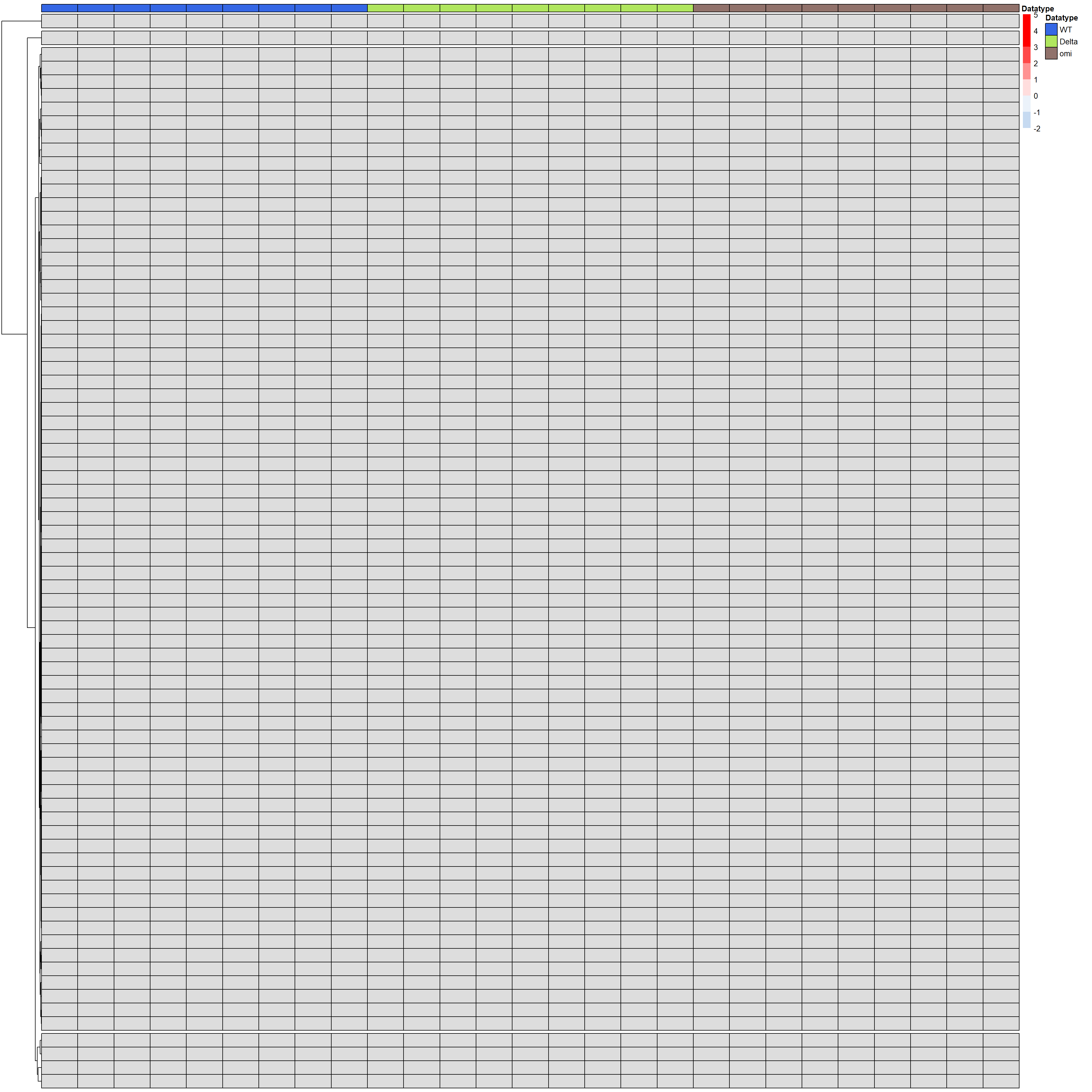
We did it! Now enjoy your heatmap!
save your heatmap
> ggsave(file = outputpath, plot = p1,width = 11,height = 10,dpi = 300)